PHP2Shell Security Emergency: Is Your Business Website Exposed?
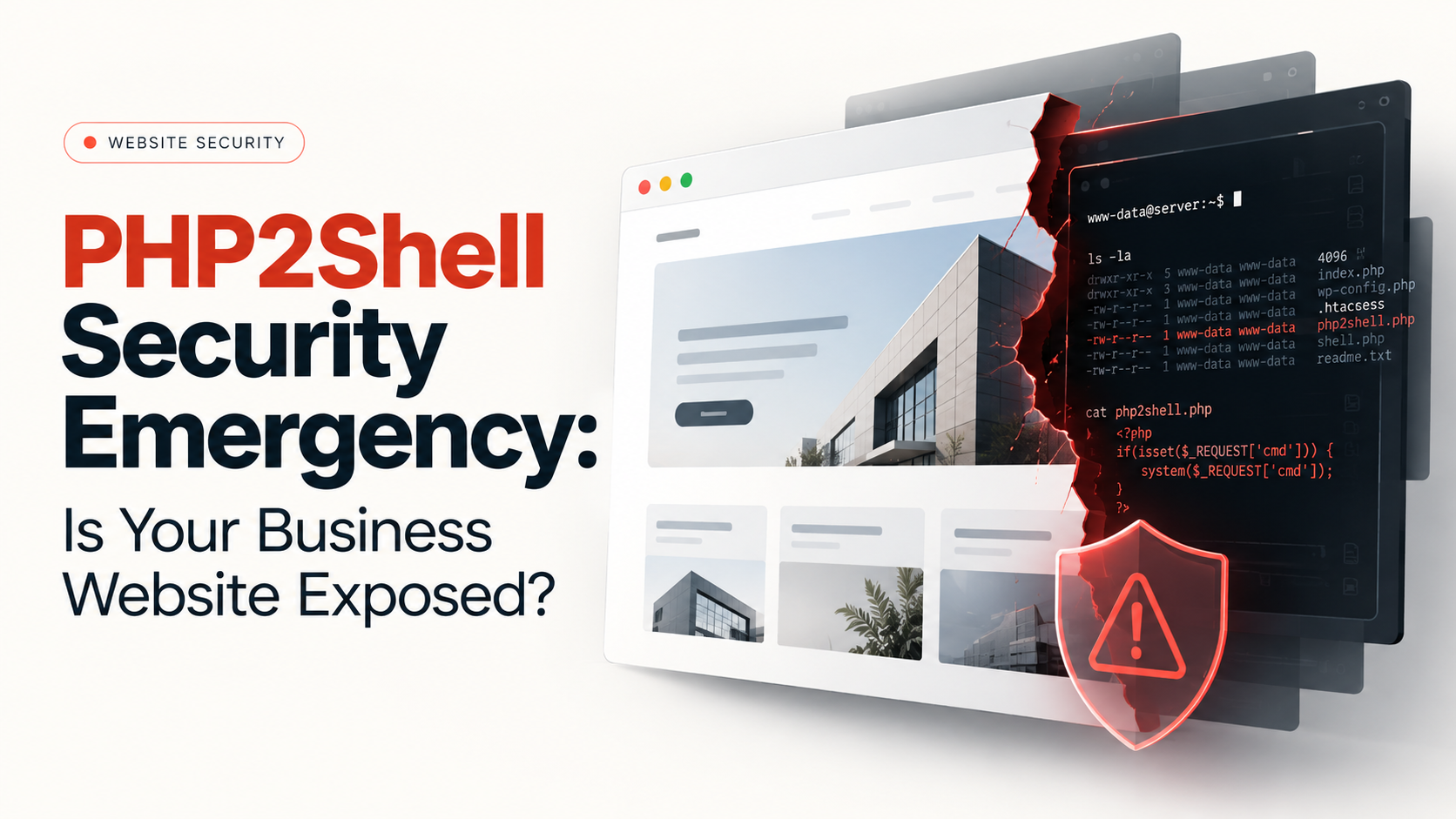
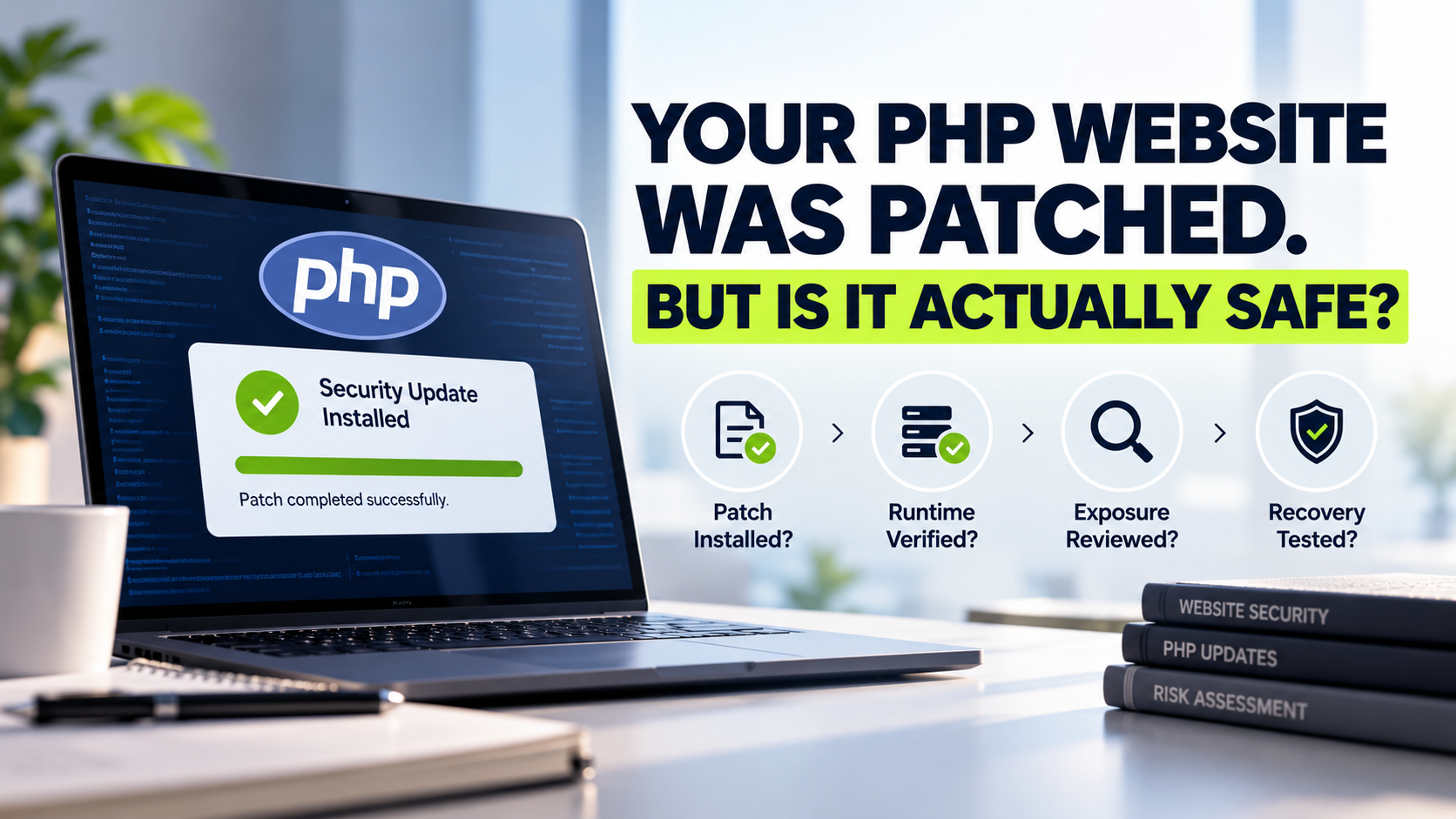
If your website uses PHP, check whether its hosting environment has received the October 21, 2026 security patches. PHP2Shell is the name given to two critical vulnerabilities in PHP itself, not necessarily a flaw in your website's theme or application code. An affected, internet-facing installation could allow an attacker to run code without logging in. A PHP-powered website is not automatically compromised; patch status and hosting setup determine risk.
For business owners, the immediate task is straightforward: identify the systems using PHP, ask who manages the runtime, obtain confirmation of patching, and investigate suspicious activity where warranted.
What happened in the PHP2Shell security incident?
On October 21, the PHP project published emergency updates for two vulnerabilities, CVE-2026-109618 and CVE-2026-109619. Both received a critical 9.2/10 CVSS v4.0 severity score. The official PHP security announcement explains that the weaknesses involve internal memory and request handling; under certain conditions, an unauthenticated request can lead to remote code execution.
An attacker could make an unpatched server execute unauthorized instructions, potentially exposing data, credentials and connected systems. This does not prove every affected server was attacked.
This is more urgent than a routine plugin update. The Cyber Security Agency of Singapore reported widespread exploitation attempts in its October 23 update and advised organizations to prioritize internet-facing PHP services. That makes rapid verification and patching the sensible response.
Which PHP versions need attention?
The PHP project released the following patched versions on October 21:
PHP branch | PHP project's fixed release |
|---|---|
PHP 8.5 | 8.5.12 |
PHP 8.4 | 8.4.27 |
PHP 8.3 | 8.3.36 |
PHP 8.2 | 8.2.35 |
An earlier release within these branches needs a fix. PHP 8.1 and older are no longer maintained as supported branches by the PHP project. The project published limited source backports for some older versions, and certain operating-system and long-term-support vendors offer documented fixes. A displayed version number alone may not prove whether a vendor-maintained package is protected. Request the vendor's specific advisory or build confirmation.
PHP 8.2 also reaches end of life on December 31, 2026. Organizations still using it should plan a supported-version upgrade rather than treating this emergency patch as the end of their maintenance work.
Is your website actually using vulnerable PHP?
PHP may power self-hosted WordPress sites, e-commerce stores, custom portals or administrative tools - even when the public-facing website looks static.
Ask your internal developer or hosting provider these questions:
Where is PHP running? Include the public website, staging environments, APIs and administrative tools.
Who controls PHP updates? This might be your managed hosting company, server administrator, development agency or an internal operations team.
Which PHP build serves web requests? Different sites or services may run different PHP versions.
Has the PHP2Shell fix been applied? Request the patched release or documented equivalent backport.
Was the environment checked for suspicious activity? A successful update closes the known vulnerability; it cannot by itself prove there was no earlier intrusion.
Have an authorized administrator collect version details securely; never expose diagnostic pages publicly.
WordPress.com is different from self-hosted WordPress
Hosting responsibility matters. WordPress.com's official support notice says sites on its managed platform were protected, including sites whose dashboard still displayed an older PHP version. It does not apply automatically to self-hosted WordPress installations; ask your host for confirmation.
Updating WordPress core, themes or plugins cannot alone repair a vulnerable PHP runtime.
What should a business do right now? A seven-step response plan
Assign an owner today. Name one person who will coordinate the host, developer and security team. Record the affected website domains and services, not just the homepage.
Prioritize exposed systems. Start with public-facing PHP websites, account portals, checkout flows and applications handling sensitive information. Include staging servers if they are internet-accessible.
Request a verified patch. Ask the responsible team to deploy the official fixed release or documented vendor-supplied patch. Confirm the web-serving PHP environment was updated, not just a developer's local installation.
Prepare for a controlled change. Back up application files and databases, establish a rollback plan, and check whether frameworks, extensions and integrations are compatible. Security urgency should not become an excuse to skip basic deployment checks.
Validate the site after patching. Test login, forms, payments, file uploads, scheduled jobs, APIs and key customer journeys. Check server logs and verify that the expected patched runtime is active across every relevant environment.
Review evidence of possible exploitation. Have an authorized security professional examine relevant web and PHP logs, unexpected files, account changes, unusual outbound connections and other indicators appropriate to the environment. Preserve evidence if compromise is suspected; do not simply wipe the server and lose the investigation trail.
Close the loop in writing. Request an outcome summary: systems reviewed, patch/build evidence, checks performed, unresolved risks, responsible owner and follow-up date. A vague message saying "security updated" is not sufficient for a critical issue.
A useful maintenance record turns an emergency into a repeatable process. It should show what changed and how your team verified that important business functions still work.
A message you can send to your hosting provider
"Please confirm which of our websites and services run PHP, whether their web-serving runtimes have received the PHP2Shell security fixes, and the patched versions or vendor builds. Please include deployment dates, staging and secondary-system coverage, validation results, any suspicious-activity findings, and unresolved risks with named owners." This request helps turn a generic assurance into verifiable evidence.
What if you cannot update PHP immediately?
Reducing exposure is useful, but temporary controls are not a complete substitute for a patch. The PHP project explicitly warns that no available mitigation covers every attack path.
Ask your administrator about restricting access to affected services, applying relevant web application firewall protections, increasing monitoring and disabling unnecessary public endpoints. Some configuration changes may reduce particular attack paths, but they should be chosen and tested by professionals who understand your application. A firewall is an additional defensive layer, not evidence that the underlying runtime is fixed.
For a high-risk server that cannot be protected promptly, evaluate temporarily taking the affected service offline until it can be patched. Weigh exposure against business impact; avoid untested production changes.
Who is responsible: website owner, host or developer?
The organization running the website remains responsible for making sure the issue is addressed, even if a supplier performs the technical work. Operational responsibilities differ:
Party | Decision or evidence to request |
|---|---|
Business owner | Inventory, priority, accountable contact and acceptance of residual risk |
Hosting provider | PHP runtime or vendor patch status, deployment timing and server coverage |
Development team | Compatibility tests, application checks and safe deployment support |
Security team | Exposure review, relevant log investigation and incident escalation if indicated |
If responsibilities are unclear, resolve that first. Your website maintenance agreement should distinguish PHP/runtime patching, CMS updates, application testing and security monitoring. They are related but not interchangeable.
What does the October 23 follow-up advisory change?
On October 23, PHP also published a separate informational advisory concerning an unusual session-serialization and upload-progress configuration, tracked as CVE-2026-115560. The PHP project suggested temporarily disabling session upload progress for that narrow potential attack path until a regular fix ships. This does not replace the October 21 PHP2Shell patches, and not every application uses the affected configuration.
Have the technical owner review the latest PHP notices before making configuration changes; security guidance can evolve after an initial emergency release.
Beyond the emergency: make website maintenance verifiable
A normal-looking website may run outdated server components. Maintenance should include software inventories, patch ownership, advisory monitoring, tested backups and change records.
A penetration test can assess broader risks, but cannot replace an available patch. Assign ownership and verify updates reached production.
Technobits Digital describes PHP development and vulnerability assessment and penetration testing (VAPT) among its services. If you need help scoping ongoing development, maintenance or an authorized security review, you can discuss your existing environment and requirements with the team. Any specific PHP2Shell remediation work should be confirmed as part of an agreed technical scope.
Frequently asked questions
Is every PHP website vulnerable to PHP2Shell?
No. It affects vulnerable, unpatched PHP web installations. Managed hosts may have deployed fixes or backports; confirm your hosting environment.
Can a WordPress security plugin fix PHP2Shell?
No. The flaws are in PHP. Plugins and firewalls may provide additional protection, but the server runtime still needs the appropriate fix.
Does patching prove our website was never hacked?
No. Patching closes the known flaw going forward. Earlier exposure or suspicious activity may warrant an authorized investigation and credential review.
Should businesses immediately redesign their websites?
Usually not. Identify the PHP runtime and patch first. Unsupported systems may need a separately planned migration or rebuild.
Bottom line: Don't assume your site is safe because it loads normally, and don't assume it is compromised because it uses PHP. Get verifiable patch evidence, confirm the live site still works, and make security ownership explicit.
Need Help Reviewing Your PHP Website's Security?
If your website uses PHP, confirm that your hosting environment has received the appropriate security updates and that your important website functions still work after patching.
Technobits Digital provides PHP Development, Website Maintenance and Vulnerability Assessment and Penetration Testing services.
Contact the team to discuss your current environment and whether development, maintenance or an authorised security assessment is appropriate. Any PHP2Shell-specific remediation should be agreed within the project scope.