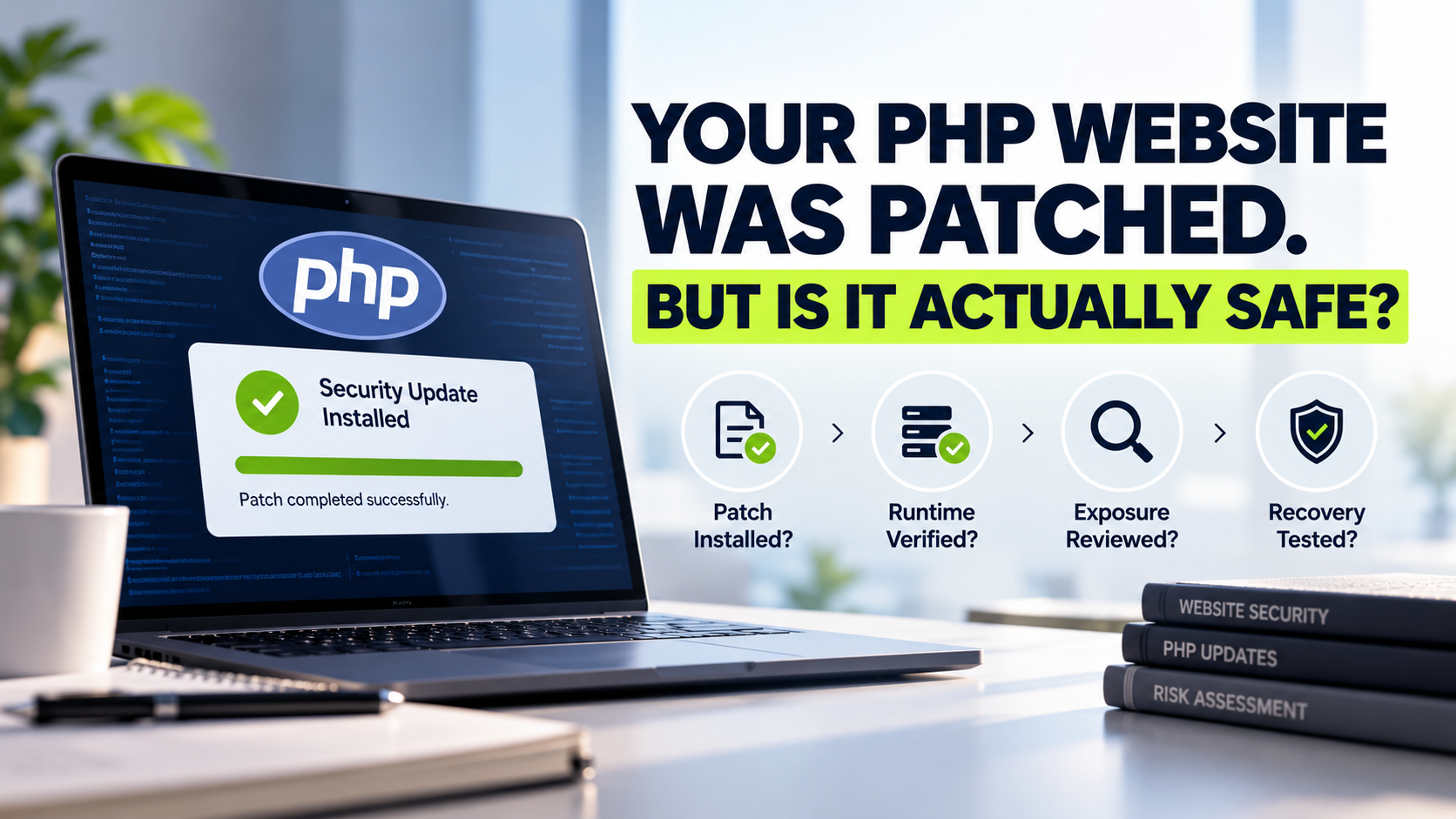
Your PHP Website Was Patched. But Is It Actually Safe?
Guidance checked: 24 October 2026 | A practical post-patch verification guide for website owners, IT managers and business teams
A PHP security update is essential, but an "update complete" message does not prove a website is safe. The fixed code must be running for real visitors. Teams must also review earlier exposure, investigate possible compromise, and check recovery and monitoring.
The October 2026 PHP2Shell alert makes these distinctions urgent. This checklist helps owners request evidence rather than reassurance.
What Happened in the October 2026 PHP2Shell Alert?
On 21 October 2026, the PHP project released emergency fixes for two critical vulnerabilities: CVE-2026-109618 and CVE-2026-109619. Under applicable conditions, they could enable unauthenticated remote code execution. The flaws affected PHP itself, not just website plugins.
The official PHP security announcement identifies these fixed upstream releases:
PHP branch | Fixed release for PHP2Shell |
|---|---|
8.5 | 8.5.12 |
8.4 | 8.4.27 |
8.3 | 8.3.36 |
8.2 | 8.2.35 |
PHP 8.1 and earlier lack upstream support. Some vendors provide backported fixes, so an older-looking version alone is not proof of exposure. Check the vendor's documented patch.
Singapore's Cyber Security Agency reported widespread exploitation attempts. Attempts do not establish that a specific website was breached.
Why "Patched" and "Secure" Are Different Questions
A green dashboard label can hide three separate questions:
Was the correction installed? The appropriate security-fixed PHP package reached the relevant server or container.
Is the correction running? Active web workers and every production environment are using that corrected runtime.
Was anything compromised earlier? Available evidence has been reviewed for suspicious activity during the period of exposure.
Passing the first two checks does not answer the third. Patching cannot automatically remove malicious files, unauthorised accounts or stolen credentials from an earlier incident.
Likewise, a vulnerable version indicates possible exposure, not proven compromise.
Six Checks to Complete After a PHP Security Update
1. Identify the PHP Runtime Actually Serving Visitors
A hosting account may contain subdomains, staging sites and applications using different PHP versions.
Ask the technical team to confirm which runtime handles real web requests for each important application. A command-line version check can report a different installation from the PHP-FPM pool or Apache module serving the site. A control-panel selection is useful, but evidence from the live request-serving environment is stronger.
Restrict and remove temporary diagnostic pages; never leave server configuration details publicly accessible.
2. Verify the Fix, Deployment and Service Restart
Record the PHP release or vendor backport, installation time and affected sites. Confirm web-serving processes restarted.
Verify every active node, including containers and servers behind load balancers. Updating one instance may leave another exposed.
India's CERT-In advisory also recommends restart and live-runtime verification.
A practical example: Imagine an online retailer that updates its main website to PHP 8.4.27. Its checkout subdomain, however, runs through a separate PHP-FPM pool and remains on 8.4.26. The homepage loads normally, and the hosting dashboard shows a successful update. Yet customers still reach a different, potentially vulnerable runtime during checkout.
This is a hypothetical scenario, but it illustrates why a version displayed for one domain is not sufficient evidence for an entire business website.
3. Review the Exposure Window and Available Logs
Ask when the system became vulnerable, when remediation finished, and which records cover that interval. Start with web-server and application logs, then review authentication, infrastructure and security-monitoring evidence as available.
Review unusual requests, changed files, new privileged accounts, suspicious processes and unexplained outbound connections. These warrant investigation, but do not alone confirm exploitation.
Preserve evidence if suspicious activity appears. A clean scan cannot disprove earlier compromise, especially when logs are incomplete.
4. Assess Accounts, Files and Connected Services
A website often has access to databases, email systems, API credentials, payment integrations and content-management accounts. If attackers may have reached the application environment, investigate beyond the PHP executable.
An authorised incident-response team may need to review administrative identities, sessions, modified code and connected services; rotate potentially exposed secrets; and remove persistence after documenting evidence. The scope depends on what was actually accessible and what the investigation establishes.
Coordinate credential changes with incident responders to preserve evidence and avoid disrupting critical integrations.
5. Confirm the Website Still Works After Remediation
A successful patch can coincide with configuration or compatibility problems. Test representative business journeys: login, contact forms, checkout, booking, file uploads, email notifications and integrations. Check mobile access where it matters.
Verify protected backups with a controlled restore test. A "successful backup" notification does not prove recovery will work.
6. Assign Ongoing Monitoring and Clear Ownership
Who checks the next PHP advisory? Who receives hosting alerts on weekends? Who can temporarily restrict access, approve downtime and communicate with customers?
Record named responsibilities across the business, developer, host and security team.
For a related discussion of escalation responsibilities, see Technobits Digital's article on who owns incident response after a security alert.
A Simple Post-Patch Evidence Checklist
A nontechnical owner can request the following from the team responsible for the website:
Question to ask | Evidence worth requesting |
|---|---|
Which PHP instance serves the site? | Production runtime and each affected domain or service |
Was the relevant fix installed? | Patched release or vendor backport identifier |
Is the corrected runtime running? | Restart/deployment confirmation for all active nodes |
Was previous exposure reviewed? | Investigation period, logs reviewed and open findings |
Could any connected data be affected? | Documented assessment of accounts and credentials |
Can service be recovered? | Recent restore-test result and named recovery owner |
A closure record should state what was verified, when, by whom, and what remains open.
A Message to Send Your Hosting Provider
"Please confirm which PHP runtime currently serves each live website and subdomain, the security-fixed release or backport installed, and when active web workers were restarted. Were any instances missed? Have you reviewed available logs and unusual changes from the exposure period? Are there findings requiring incident investigation or credential review? Please provide the evidence, outstanding items, and a named technical contact."
This request gives the provider a defined task and gives the business a record it can revisit. If no logs were retained, ask for that limitation to be documented rather than claiming a clean security assessment.
What About the Additional PHP Advisory on 23 October?
There is an important follow-up to the emergency release. On 23 October 2026, the PHP project published a separate informational advisory on session upload progress.
It describes an uncommon combination of session serialization settings and application behaviour that can leave a further remote-code-execution path. PHP recommends considering session.upload_progress.enabled=0 until the next regular bug-fix release; applications that never switch the session serializer at runtime are not affected by that particular scenario.
This does not mean every patched installation remains exploitable. Administrators should assess the configuration and current vendor guidance.
Should a Vulnerable Website Be Taken Offline?
Not automatically. Consider actual exposure, patch availability, isolation options and business impact.
If the web-facing runtime is still vulnerable and cannot be corrected or adequately restricted, temporary isolation or taking the affected service offline may be the responsible choice. If the patch is deployed, verified in active workers and there is no evidence requiring containment, continue operation with monitoring and documented follow-up.
If active compromise is suspected, preserve evidence and initiate incident response. A firewall may reduce some risks, but temporary mitigations are not a substitute for patching.
Frequently Asked Questions
Does updating WordPress also patch PHP2Shell?
No. WordPress core, themes and plugins are application components; PHP itself runs at the server or hosting layer. Confirm the PHP runtime separately, even when the CMS says everything is up to date.
How can I check my PHP version without server access?
Ask your hosting provider for the production web-serving PHP version, relevant vendor package and patch deployment confirmation. Do not rely solely on a command-line version shown elsewhere, and avoid publishing a diagnostic page to the internet.
Does a patched PHP website still need a security assessment?
Not every patched site requires a full penetration test. But unexplained changes, incomplete logs, sensitive systems or credible signs of earlier intrusion warrant a scoped investigation. A vulnerability scan and an incident investigation answer different questions.
What if the site uses an unsupported PHP branch?
Ask whether a credible vendor supports and has patched that exact package. Where that evidence is missing, plan a move to a supported PHP release rather than relying indefinitely on an unmaintained installation.
Move From an Update Notification to Verifiable Security
The useful question is no longer simply "Did we update PHP?" It is "Can we show that the right runtime is fixed, earlier exposure was assessed, and someone owns the remaining risk?"
Technobits Digital offers website maintenance and vulnerability assessment and penetration testing. If you cannot establish patch status, discuss the affected systems and evidence needed for a scoped review.
A patched website is an essential starting point. A documented verification process is what turns a completed update into a defensible security decision.