AI-Assisted Software Development: How AI Is Changing the Way Developers Build and Test Applications
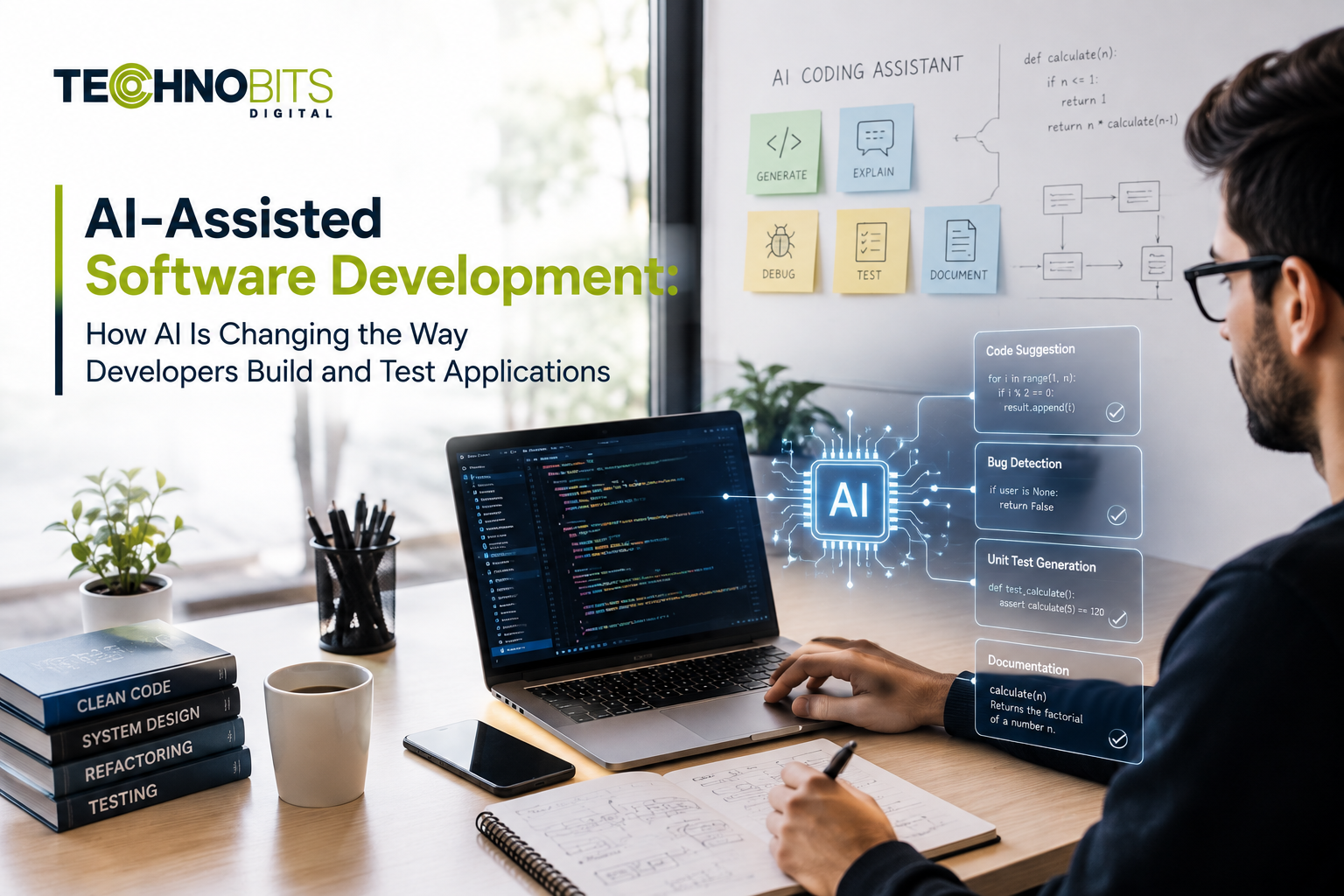
Artificial intelligence is becoming part of modern software development workflows. Developers can now use AI-assisted tools to help with tasks such as code generation, code review, documentation, debugging and testing.
However, AI-assisted software development does not mean that software can be built without experienced developers. The technology is better understood as a development aid that can support engineers while they remain responsible for architecture, requirements, security, testing and final code quality.
This article explains how AI is being used across the software development lifecycle, where it can provide practical value, and what developers should consider before incorporating AI into their development workflows.
What Is AI-Assisted Software Development?
AI-assisted software development refers to the use of artificial intelligence tools to support software engineering activities.
Depending on the tools and development environment, AI can assist with:
Code generation
Code completion
Code explanation
Refactoring suggestions
Documentation
Debugging support
Test generation
Code review
Development research
The level of assistance varies between tools and projects. AI-generated or AI-assisted output still needs to be reviewed and validated by developers before it becomes part of a production system.
How AI Is Changing the Software Development Lifecycle
AI can support different stages of software development, from initial planning through testing and maintenance.
A practical workflow may look like:
Requirements → Design → Development → Review → Testing → Deployment → Maintenance
AI assistance can be introduced at several of these stages, but it should remain subject to appropriate engineering controls.
1. AI-Assisted Requirements and Planning
Before writing code, developers need to understand what the software should do.
AI tools can help teams organise requirements, summarise technical information, generate initial documentation or identify questions that may need clarification.
For example, a development team could use an AI tool to turn a collection of requirements into an initial feature checklist.
However, AI should not be treated as the final authority on product requirements. Developers, product teams and stakeholders still need to validate the requirements before implementation begins.
2. AI-Assisted Code Generation
One of the most visible uses of AI in software development is code generation.
Developers can describe a programming task in natural language and use an AI tool to generate an initial implementation.
This can be useful for:
Repetitive code patterns
Boilerplate code
Utility functions
Test scaffolding
Documentation examples
Initial implementation ideas
Generated code should be reviewed before being committed to a production codebase.
Developers need to check whether the code:
Meets the actual requirements
Handles edge cases
Uses appropriate dependencies
Follows project conventions
Performs efficiently
Meets security requirements
Is maintainable
AI can accelerate part of the coding process, but generated code is not automatically correct simply because it compiles or passes a basic test.
3. AI-Assisted Code Review and Refactoring
AI can also assist developers after code has been written.
Depending on the tool and workflow, AI can help identify:
Potential bugs
Repeated code
Readability issues
Possible edge cases
Refactoring opportunities
Documentation gaps
This can provide another layer of review, but it should complement rather than replace human code review.
Experienced developers still need to understand the architectural and security implications of proposed changes.
Technobits Digital currently describes AI-assisted code review as part of its web engineering capabilities.
4. AI-Assisted Debugging
Debugging can involve understanding error messages, tracing application behaviour and identifying the part of a codebase responsible for a problem.
AI tools can help developers:
Explain error messages
Suggest possible causes
Review relevant code
Propose debugging approaches
Generate possible fixes
A suggested fix still needs to be reproduced, tested and reviewed.
Developers should avoid applying AI-generated fixes blindly, particularly when the affected code handles authentication, payments, personal information, permissions or other sensitive functionality.
5. AI-Assisted Software Testing
Testing is another area where AI can support development teams.
Depending on the implementation, AI-assisted testing can help with:
Generating test cases
Creating test data
Identifying possible edge cases
Supporting regression testing
Analysing test results
Maintaining parts of automated test suites
AI-assisted testing can be particularly useful when combined with conventional automated and manual testing.
Technobits Digital's QA service currently describes AI-powered automated regression testing across web and mobile platforms alongside manual functional and exploratory testing, performance testing and security testing.
The important principle is that AI-based testing should add coverage and efficiency without becoming the only method used to validate software.
6. AI and Documentation
Software projects often require documentation for developers, testers and future maintainers.
AI can assist with:
Explaining code
Creating initial documentation
Summarising technical changes
Drafting API descriptions
Creating comments for complex sections
The generated documentation should still be checked against the actual implementation.
Outdated or incorrect documentation can create problems just as easily as poorly written code.
7. AI-Assisted Development Across Web and Mobile Applications
AI-assisted development is not limited to one type of software.
It can support workflows for:
Web applications
Mobile applications
APIs
Backend services
Internal tools
SaaS applications
Enterprise software
For example, Technobits Digital currently describes AI-assisted development and automated testing within its web-development service, while its mobile development service includes AI-assisted prototyping and user-flow validation.
This creates opportunities to use AI assistance across different parts of a software project while keeping conventional engineering practices in place.
Related Technobits Services
If your project involves web applications, explore Technobits Digital's Web Development Services.
For Android, iOS or cross-platform applications, see the Mobile App Development Services.
AI-Assisted Development Does Not Replace Software Engineers
One of the most common misconceptions about AI-assisted development is that developers are no longer necessary.
AI can generate code and provide suggestions, but software engineering involves much more than writing individual functions.
Developers are still responsible for decisions involving:
System architecture
Requirements
Security
Data handling
Performance
Scalability
Integration design
Testing strategy
Deployment
Maintenance
AI-generated code can also contain errors, misunderstand requirements or introduce security and maintenance problems.
The role of developers is therefore evolving toward using AI effectively while maintaining responsibility for the final software.
Security and Privacy Considerations
AI-assisted development introduces additional considerations around the information developers provide to AI tools.
Before using an AI development tool, teams should understand:
What information is being submitted
Whether source code is stored or retained
Who can access the information
Whether sensitive data is permitted
What organisational policies apply
How generated code is reviewed
Developers should avoid exposing credentials, private keys, customer information or confidential source code to AI services unless the organisation has explicitly approved the relevant tool and data-handling process.
Security review should remain part of the normal software development lifecycle.
For projects requiring additional security validation, Technobits Digital also provides Testing and Quality Assurance Services.
How to Use AI Responsibly in Software Development
A practical AI-assisted development workflow can follow several principles.
Start With a Defined Task
Give the AI tool a specific development task rather than relying on vague instructions.
Review Generated Output
Developers should inspect generated code before it enters the production codebase.
Test Before Deployment
AI-generated changes should pass the same appropriate testing and review processes as manually written code.
Protect Sensitive Information
Do not provide confidential information to an AI tool unless its use has been reviewed and approved.
Maintain Human Accountability
A developer or qualified technical reviewer should remain responsible for important implementation decisions.
Document AI-Assisted Changes Where Appropriate
Teams may benefit from recording significant AI-assisted changes when this helps with review, maintenance or internal governance.
Common Mistakes When Using AI for Software Development
Assuming Generated Code Is Automatically Correct
AI-generated code can contain logical errors, incorrect assumptions or insecure implementation choices.
Using AI Without Understanding the Code
Developers should understand the code they approve and maintain rather than treating generated output as a black box.
Ignoring Security
A function that works correctly can still introduce security weaknesses.
Providing Sensitive Source Code Without Approval
Teams should understand the data-handling practices of their AI development tools before using them with confidential projects.
Measuring Success Only by Coding Speed
Faster code generation is not the only measure of software-development quality.
Teams should also consider:
Code quality
Test coverage
Security
Maintainability
Performance
Reliability
Developer review effort
What Should Developers Look for in an AI Coding Tool?
The right tool depends on the development environment and project requirements.
Before adopting an AI coding tool, teams can evaluate:
Supported programming languages
IDE integration
Code-generation capabilities
Code review features
Testing support
Privacy and data-handling policies
Team administration
Security controls
Compatibility with existing workflows
There is no single AI coding tool that is automatically best for every developer or project.
How Technobits Digital Uses AI-Assisted Development
Technobits Digital currently positions AI-assisted development across several technical services.
Its web-development service describes AI-assisted code review and automated testing, alongside React, Next.js, PHP, .NET and Node.js development.
Its mobile development service describes AI-assisted prototyping and user-flow validation, together with native Android and iOS development and React Native.
Its QA offering describes AI-powered automated regression testing combined with manual functional and exploratory testing.
This approach reflects an important principle: AI can be integrated into development and testing workflows while experienced engineers and QA professionals remain responsible for technical decisions and validation.
Explore Technobits Digital's Software and IT Services to see how software development, web development, mobile development and quality assurance can fit into a wider technology project.
Frequently Asked Questions
What is AI-assisted software development?
AI-assisted software development uses artificial intelligence tools to support software-engineering tasks such as code generation, code explanation, debugging, documentation, testing and review.
Can AI write an entire application?
AI tools can generate substantial amounts of code, but a production application still requires requirements analysis, architecture, security review, testing, integration and human validation.
Is AI-generated code safe to use?
AI-generated code should be reviewed and tested before production use. Its safety depends on the code, context, dependencies, security requirements and review process.
Will AI replace software developers?
AI can automate or assist with some development tasks, but software projects still require human expertise for architecture, requirements, security, testing, system integration and maintenance.
Can AI be used for mobile app development?
Yes. AI can assist with activities such as prototyping, code generation, debugging and testing. Technobits Digital currently uses AI-assisted prototyping within its mobile development workflow.
Should developers share private source code with AI tools?
Not without understanding and approving the tool's data-handling practices. Confidential source code, credentials and sensitive information should be protected according to the organisation's security requirements.
Does AI-assisted development guarantee faster or better software?
No. AI can support development efficiency, but software quality depends on requirements, architecture, implementation, testing, security and human review.
Final Thoughts
AI-assisted software development is changing how developers approach coding, testing, documentation and debugging.
The most practical approach is not to treat AI as a replacement for software engineering. Instead, development teams can use AI where it provides useful assistance while maintaining strong engineering, security and quality practices.
AI can help developers work differently, but the fundamentals of good software development remain important: clear requirements, sound architecture, secure implementation, thorough testing and responsible maintenance.
Ready to explore AI-assisted software development?
Contact Technobits Digital to discuss your software, web application, mobile application or testing requirements and explore where AI-assisted development can fit into your project.