
From Idea to App Store: The Complete Mobile App Development Process
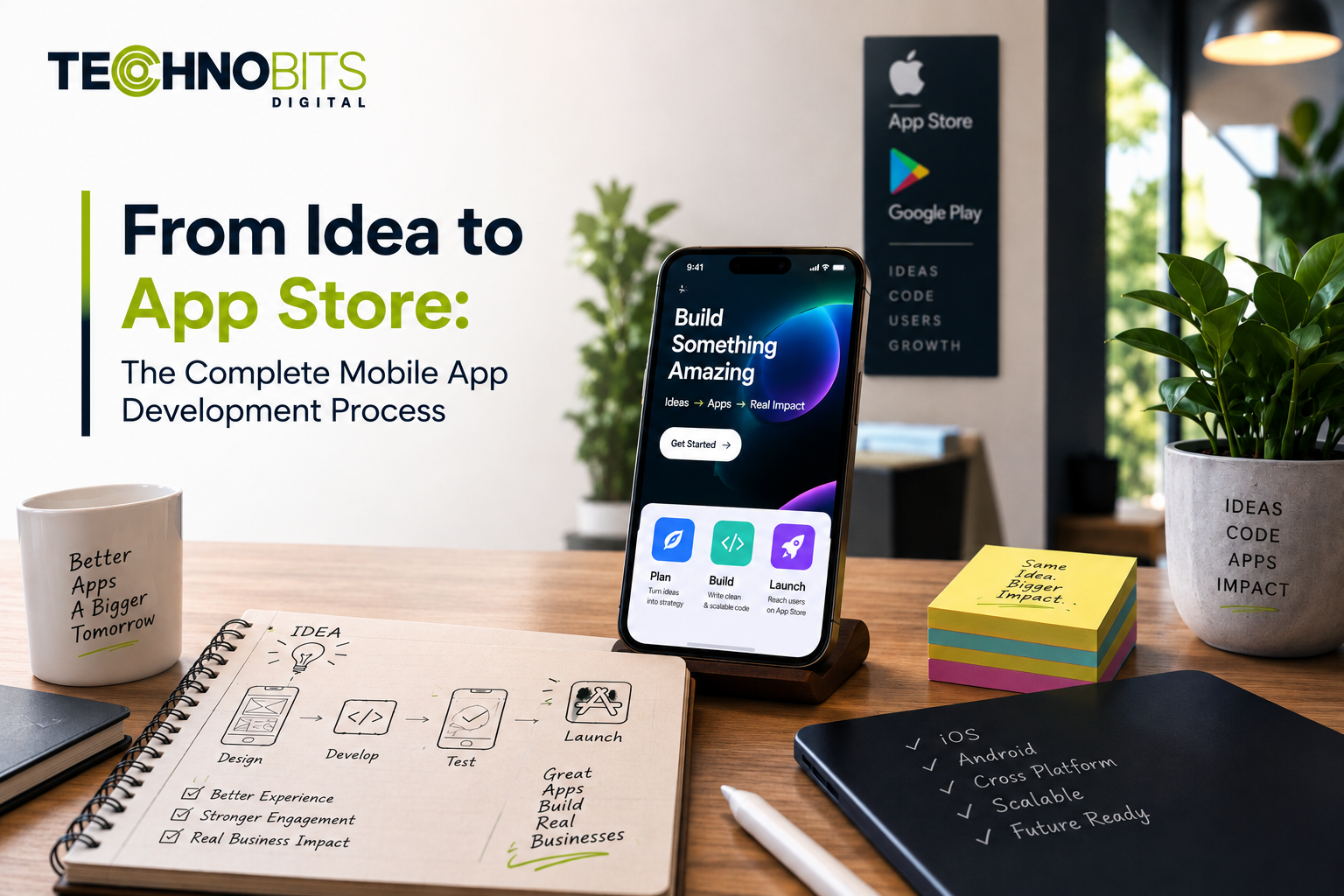
Creating a mobile app involves much more than writing code and publishing it to an app store. A successful app development process starts with a clear idea, turns that idea into defined user requirements, designs practical user experiences, develops and tests the application, and prepares the final build for distribution.
Whether an app is being developed for Android, iOS or both, each stage requires decisions about functionality, user experience, technology, security, testing and ongoing maintenance.
This guide explains the complete mobile app development process, from the initial idea through development, testing and app-store submission.
What Is the Mobile App Development Process?
The mobile app development process is a structured sequence of activities used to turn an app concept into a working mobile application.
A typical process includes:
Idea and requirement discovery
Product and feature planning
User experience and interface design
Technology and architecture planning
Mobile app development
Backend and API integration
Testing and quality assurance
Release preparation
App-store submission
Post-launch maintenance and updates
The exact process can vary depending on the app's complexity, target platforms, integrations, security requirements and development approach.
1. Start With the App Idea and User Requirements
The first stage is to understand what the app is supposed to achieve and who will use it.
Instead of beginning with technology choices, define:
The problem the app is intended to address
The target users
The main user journeys
Required features
Supported devices and platforms
Data and integration requirements
Security and privacy considerations
A clear requirement document helps separate essential functionality from features that can be considered later.
Example
An appointment application may require:
User registration
Appointment search
Booking
Notifications
Profile management
Payment integration
Appointment history
The exact requirements will depend on the application's purpose and target users.
2. Define the Minimum Viable Product
Not every planned feature needs to be included in the first release.
A minimum viable product (MVP) focuses on the core functionality needed to validate the app concept and provide a usable experience.
Features can be divided into:
Essential
Required for the initial app experience.
Important
Useful features that can be added when the core workflow is stable.
Future
Features that can be evaluated based on user feedback and product requirements.
This approach helps development teams establish a manageable first release instead of attempting to build every possible feature at once.
3. Design the User Experience and Interface
Before development begins, the app's user experience should be mapped out.
This can include:
User flows
Wireframes
Navigation structure
Screen layouts
Interaction patterns
Visual design
Error and empty states
Accessibility considerations
The objective is to make the application understandable and usable rather than simply visually attractive.
Technobits Digital states that it uses AI-assisted prototyping, wireframing and user-flow validation before production development.
4. Choose Between Native and Cross-Platform Development
One of the important technical decisions is how the application will be developed.
Native Development
Native Android and iOS development uses platform-specific technologies and design patterns.
It can be appropriate when an application requires:
Platform-specific functionality
Native user-interface patterns
Deep device integration
Platform-specific performance requirements
Cross-Platform Development
Cross-platform frameworks can allow teams to share parts of the codebase across platforms.
Technobits Digital currently lists React Native as part of its mobile development capabilities.
The right approach depends on the application's requirements rather than simply choosing the most popular framework.
5. Plan the Technical Architecture
Once the requirements and user experience are defined, the development architecture can be planned.
Depending on the application, this may include:
Mobile application architecture
Backend services
APIs
Database systems
Authentication
Cloud infrastructure
Push notification services
Third-party integrations
Logging and monitoring
The architecture should consider both the initial release and the application's expected future requirements.
Technobits Digital lists secure API integration, authentication and cloud backend setup among its mobile development capabilities.
6. Develop the Mobile Application
Development converts the approved designs and technical requirements into a working application.
This stage normally includes:
Frontend implementation
Navigation
User interactions
API integration
Authentication
Data handling
Notifications
Device functionality
Error handling
Development is usually performed incrementally so that functionality can be tested throughout the project rather than only after the entire application is completed.
Technobits Digital describes its development workflow as iterative, with sprint reviews and integration across application components.
7. Build and Integrate the Backend
Many mobile applications require backend services to store and process information.
A backend may handle:
User accounts
Authentication
Application data
Business logic
Notifications
File storage
API requests
Third-party services
For example, a mobile application that allows users to create accounts and save information normally requires a secure way to store and retrieve that information.
The backend architecture should be designed alongside the mobile application rather than treated as an unrelated component.
8. Integrate APIs and External Services
Mobile applications often depend on external systems.
Examples include:
Payment gateways
Maps and location services
Authentication providers
Cloud services
Analytics platforms
Communication services
Internal business APIs
Every integration should have a defined purpose and appropriate access controls.
Before production release, teams should test successful responses, failure scenarios, authentication, timeouts and other integration conditions.
9. Test the Application
Testing is one of the most important stages before release.
A mobile application may require:
Functional Testing
Does each feature work according to its requirements?
UI and Usability Testing
Are screens, navigation and interactions working as expected?
Device Testing
Does the application behave correctly across supported devices and screen sizes?
Integration Testing
Do APIs and external services communicate correctly?
Performance Testing
Does the application respond appropriately under expected conditions?
Security Testing
Are authentication, permissions, data handling and other relevant security controls working correctly?
Regression Testing
Do new changes affect existing functionality?
Testing should be performed throughout development rather than postponed until the final release.
Technobits Digital states that its mobile development workflow includes automated and manual testing, security checks, performance optimisation and edge-case validation.
10. Prepare the App for Release
Once development and testing are complete, the application needs to be prepared for distribution.
This can include:
Creating the production build
Configuring application identifiers
Preparing app icons and screenshots
Writing store descriptions
Providing required metadata
Reviewing permissions
Preparing privacy information
Configuring signing and release settings
Checking supported devices and operating-system versions
For Android, Google recommends ensuring functionality, performance and stability requirements are met before release preparation.
For Apple platforms, App Store Connect requires the appropriate app metadata and build to be provided before submission for review.
11. App Store Submission and Review
Publishing an application is not simply a matter of uploading a file.
For Apple platforms, apps submitted through App Store Connect go through Apple's App Review process. Apple evaluates areas including functionality, safety, privacy, security, metadata and compliance with its guidelines.
Developers should therefore ensure that:
The submitted build is complete
Required metadata is accurate
Important links work
Privacy information is provided where required
Login credentials or review instructions are available when necessary
Backend services required for review are accessible
The application does not contain placeholder content
Apple specifically identifies crashes, broken links, placeholder content and incomplete information as common review issues.
For Google Play, developers should similarly follow Google's current publishing and policy requirements for their application category and distribution model.
Important
No development company can legitimately guarantee App Store or Google Play approval. Approval depends on the submitted application, its metadata, applicable policies and the platform's review process.
12. Launch the Application
After the required platform review and release preparation are complete, the application can be made available to users according to the selected distribution settings.
Before announcing a launch, teams should verify:
Production APIs are working
Authentication is functioning
Analytics are configured
Notifications are operating as expected
Support channels are available
Store information is accurate
Critical user journeys have been tested
A controlled release or staged rollout may also be appropriate depending on the application and platform.
13. Monitor and Maintain the App After Launch
Mobile app development does not end when an application reaches the app store.
After launch, teams may need to monitor:
Crashes and errors
Performance
User feedback
API reliability
Security issues
Operating-system changes
Third-party dependency updates
Store-policy changes
Regular maintenance helps keep an application compatible with supported platforms and allows teams to address issues identified after release.
Apple also recommends testing apps on current devices and fixing bugs before submission, while its review guidance highlights the importance of keeping apps functional and supported.
Common Mobile App Development Mistakes to Avoid
Starting Development Without Clear Requirements
Coding before defining the core user journeys can lead to changing requirements and unnecessary rework.
Adding Too Many Features to the First Release
A large feature set can make development and testing more difficult. Prioritising the core experience can create a more manageable first release.
Treating Design as an Afterthought
User experience affects how easily people can understand and use an application.
Ignoring Backend and API Requirements
A mobile interface is only one part of an application. Data, authentication, APIs and backend services should be considered early.
Testing Only at the End
Late testing can make problems more expensive and time-consuming to resolve.
Assuming App Store Approval Is Automatic
Every platform has its own technical, content, privacy and review requirements. Developers should review current platform guidance before submission.
How Long Does Mobile App Development Take?
There is no single timeline that applies to every mobile application.
Development time depends on factors such as:
Number of platforms
Feature complexity
UI/UX requirements
Backend complexity
Third-party integrations
Security requirements
Testing scope
App-store requirements
Changes during development
A simple application and a complex platform can require very different development approaches and timelines.
A realistic project estimate should therefore be prepared after requirements and scope have been reviewed.
How Technobits Digital Supports Mobile App Development
Technobits Digital provides mobile application development for Android and iOS, along with cross-platform development using React Native. Its publicly listed mobile capabilities also include AI-assisted prototyping, secure API integration, authentication and cloud backend setup.
The company's wider technology services also include software development, web engineering, cybersecurity and other IT solutions, which can be relevant when a mobile application needs to work alongside existing digital systems.
For a new mobile application, the development approach should be based on the product requirements, target users, supported platforms, integrations and long-term maintenance needs.
Explore Technobits Digital's Mobile App Development Services to review the available Android, iOS and cross-platform development capabilities.
For applications that also require supporting software or web components, explore the Software Solutions and Web Development Services.
Frequently Asked Questions
What is the first step in mobile app development?
The first step is to define the app idea, target users, core problem, required features and primary user journeys before selecting technologies or beginning development.
Should I build for Android or iOS first?
It depends on the intended audience, product requirements and distribution strategy. Some projects start with one platform, while others develop Android and iOS together.
Is native or cross-platform development better?
Neither approach is universally better. Native development can be appropriate for platform-specific requirements, while cross-platform development can be useful when sharing code across platforms is a priority.
Does every mobile app need a backend?
No. Some applications can operate primarily on-device. Apps that require accounts, synchronised data, remote processing or connected services generally require backend infrastructure.
How do I publish an app on the App Store?
An app must be prepared according to Apple's current requirements, uploaded through App Store Connect and submitted for App Review. The app must meet the applicable technical, content, privacy and other guidelines before distribution.
Can a mobile app be updated after it is published?
Yes. Developers can release new versions to address bugs, improve functionality, support newer operating systems or introduce additional features, subject to the applicable platform processes and requirements.
Does passing testing guarantee app-store approval?
No. Testing helps identify technical and usability issues, but platform approval depends on the submitted app and its compliance with the relevant store's current requirements.
Final Thoughts
From the first idea to app-store distribution, mobile app development involves product planning, UX design, architecture, development, integrations, testing and release preparation.
A strong development process does not focus only on getting an app published. It considers how the application will work for users, how its systems will operate together, how it will be maintained and how it will evolve after launch.
Choosing the right development approach and addressing technical, security and platform requirements early can create a more manageable path from concept to release.
Ready to turn your mobile app idea into a working product?
Contact Technobits Digital to discuss your mobile app requirements, platform strategy, development scope and technical requirements.